GPT Image 2 API
Image APIHOTGPT Image 2 API is built for production image generation workflows that need prompt-driven creation, reference image editing, and predictable API payloads. Use it to create campaign visuals, product shots, social creatives, and design mockups without leaving the SdanceAI generation flow.
The current integration exposes Text to Image and Image to Image variants with 1K, 2K, and 4K pricing tiers, plus common aspect ratios for square, vertical, horizontal, and portrait outputs.
Lowest cost starts at $0.005/s
1K: 6 credits - Text to Image - Fixed per generation
2K: 10 credits - Text to Image - Fixed per generation
4K: 16 credits - Text to Image - Fixed per generation
1024x768: 1 credits/image - Text to Image - Images × 1
1024x768: 2 credits/image - Text to Image - Images × 2
1024x768: 8 credits/image - Text to Image - Images × 8
1024x768: 13 credits/image - Text to Image - Images × 13
1024x768: 29 credits/image - Text to Image - Images × 29
768x1024: 1 credits/image - Text to Image - Images × 1
768x1024: 2 credits/image - Text to Image - Images × 2
768x1024: 8 credits/image - Text to Image - Images × 8
768x1024: 13 credits/image - Text to Image - Images × 13
768x1024: 29 credits/image - Text to Image - Images × 29
1024x1024: 2 credits/image - Text to Image - Images × 2
1024x1024: 3 credits/image - Text to Image - Images × 3
1024x1024: 11 credits/image - Text to Image - Images × 11
1024x1024: 19 credits/image - Text to Image - Images × 19
1024x1024: 43 credits/image - Text to Image - Images × 43
1024x1536: 1 credits/image - Text to Image - Images × 1
1024x1536: 3 credits/image - Text to Image - Images × 3
1024x1536: 9 credits/image - Text to Image - Images × 9
1024x1536: 15 credits/image - Text to Image - Images × 15
1024x1536: 33 credits/image - Text to Image - Images × 33
1536x1024: 1 credits/image - Text to Image - Images × 1
1536x1024: 3 credits/image - Text to Image - Images × 3
1536x1024: 9 credits/image - Text to Image - Images × 9
1536x1024: 15 credits/image - Text to Image - Images × 15
1536x1024: 33 credits/image - Text to Image - Images × 33
1920x1080: 1 credits/image - Text to Image - Images × 1
1920x1080: 3 credits/image - Text to Image - Images × 3
1920x1080: 8 credits/image - Text to Image - Images × 8
1920x1080: 15 credits/image - Text to Image - Images × 15
1920x1080: 32 credits/image - Text to Image - Images × 32
1080x1920: 1 credits/image - Text to Image - Images × 1
1080x1920: 3 credits/image - Text to Image - Images × 3
1080x1920: 8 credits/image - Text to Image - Images × 8
1080x1920: 15 credits/image - Text to Image - Images × 15
1080x1920: 32 credits/image - Text to Image - Images × 32
2560x1440: 2 credits/image - Text to Image - Images × 2
2560x1440: 3 credits/image - Text to Image - Images × 3
2560x1440: 12 credits/image - Text to Image - Images × 12
2560x1440: 20 credits/image - Text to Image - Images × 20
2560x1440: 45 credits/image - Text to Image - Images × 45
1440x2560: 2 credits/image - Text to Image - Images × 2
1440x2560: 3 credits/image - Text to Image - Images × 3
1440x2560: 12 credits/image - Text to Image - Images × 12
1440x2560: 20 credits/image - Text to Image - Images × 20
1440x2560: 45 credits/image - Text to Image - Images × 45
3840x2160: 3 credits/image - Text to Image - Images × 3
3840x2160: 6 credits/image - Text to Image - Images × 6
3840x2160: 21 credits/image - Text to Image - Images × 21
3840x2160: 36 credits/image - Text to Image - Images × 36
3840x2160: 81 credits/image - Text to Image - Images × 81
2160x3840: 3 credits/image - Text to Image - Images × 3
2160x3840: 6 credits/image - Text to Image - Images × 6
2160x3840: 21 credits/image - Text to Image - Images × 21
2160x3840: 36 credits/image - Text to Image - Images × 36
2160x3840: 81 credits/image - Text to Image - Images × 81
USD estimates use $0.005/credit with the best annual plan. Final billing follows the selected resolution and model variant.
Core request fields
Use a compact payload for prompt, source images, aspect ratio, resolution, callback, and safety settings.
{
  "model": "gpt-image-2-5-flare-text-to-image",
  "input": {
    "prompt": "A cinematic night city poster with neon reflections on a rainy street.",
    "aspect_ratio": "3:2",
    "resolution": "1K",
    "background": "transparent"
  }
}
Use GPT Image 2.5 Flare Text to Image for generation
The playground, request sample, request fields, and pricing on this page follow the selected model type.
View detailed API docsOpen the full API documentation for endpoints, authentication, task polling, and payload details. /models/gpt-image-2.md
promptstringText prompt. Required, maximum 20,000 characters.aspect_ratioenumThe aspect ratio of the generated image is set to auto by default. The 27:16, 16:27, 9:8 and 8:9 aspect ratios support 1K only. 2K and 4K are available for other aspect ratios. (auto, 1:1, 3:2, 2:3, 4:3, 3:4, 16:9, 9:16, 21:9, 27:16, 16:27, 9:8, 8:9)resolutionenumImage resolution (1K, 2K, 4K)backgroundenumImage background (transparent, opaque, auto)What GPT Image 2 API adds to your image workflow
The page follows the same API-first structure as the reference: test the model, understand the fields, then move into integration.
Text-to-image creation
Turn structured prompts into production-ready visuals for posters, ads, thumbnails, concept art, and product scenes.
Reference image editing
Use image inputs to preserve subject context while changing style, background, layout, lighting, or product presentation.
Resolution tiers
Select 1K, 2K, or 4K output tiers to balance iteration cost, preview quality, and final asset sharpness.
API-ready payloads
Work with model IDs, callback URLs, prompt text, input image URLs, aspect ratios, and resolution fields in one predictable request.
From prompt test to image API request
A direct path for teams that want to validate image quality before wiring generation into an app or content pipeline.
1. Choose a mode
Select Text to Image for new visuals or Image to Image when you want reference-guided edits.
2. Submit generation
Call the API with your account key, model ID, prompt, optional input image URLs, aspect ratio, and resolution.
3. Poll and use
Track the task until it succeeds, then use the generated image result in your app, campaign, or asset library.
What you can create with GPT Image 2 API
Use the API when your product needs repeatable, high-quality image generation rather than one-off manual exports.
Successful GPT Image 2 generations from the community
Browse public GPT Image 2 outputs that finished successfully, then open any case to inspect the prompt, settings, and result.
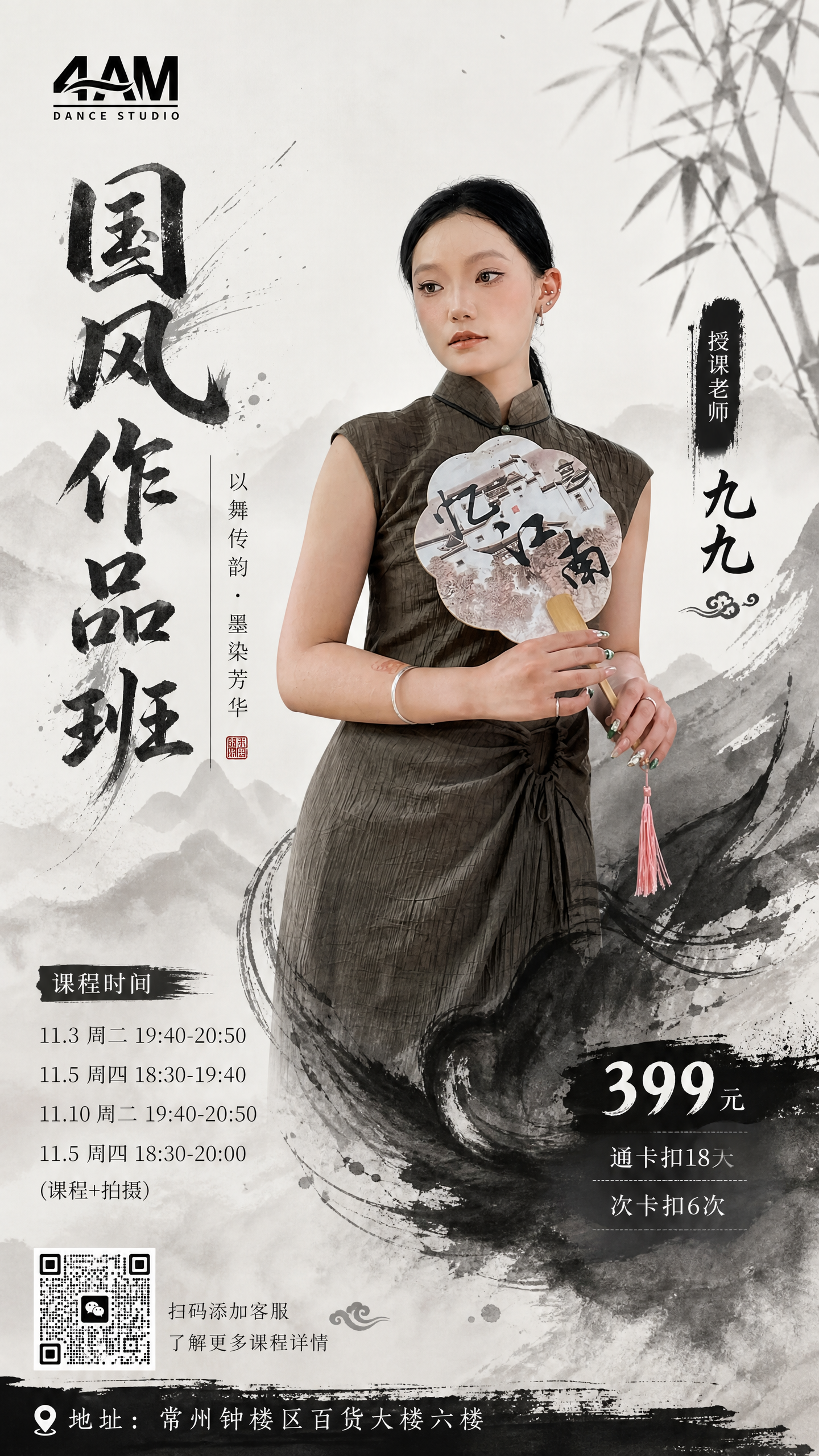
GPT Image 2 - Image To Image
帮我生成一个舞蹈工作室要使用的国风作品班海报。这一支国风作品,舞蹈以黑白为主,参考第一张图片颜色,老师使用第二张图片,为凸显任课老师身份,最好扣出老师轮廓。 海报风格,颜色以水墨黑白为主,有一定的古韵优雅的感觉,整个画面高级和谐 画面版面构图:中间为任课老师,标题:国风作品班,要求字体匹配整个画面韵律感,左下方:课程时间:11.3周二19:40-20:50,11.5周四18:30-19:40,11.10周二19:40-20:50 ,11.5周四18:30-20:00(课程+拍摄),右下角:价格399元,通卡扣18天 次卡扣6次。 最下方写上地址,常州钟楼区百货大楼六楼,并将我提供的舞房logo以及客服二维码合理的放在海报画面中
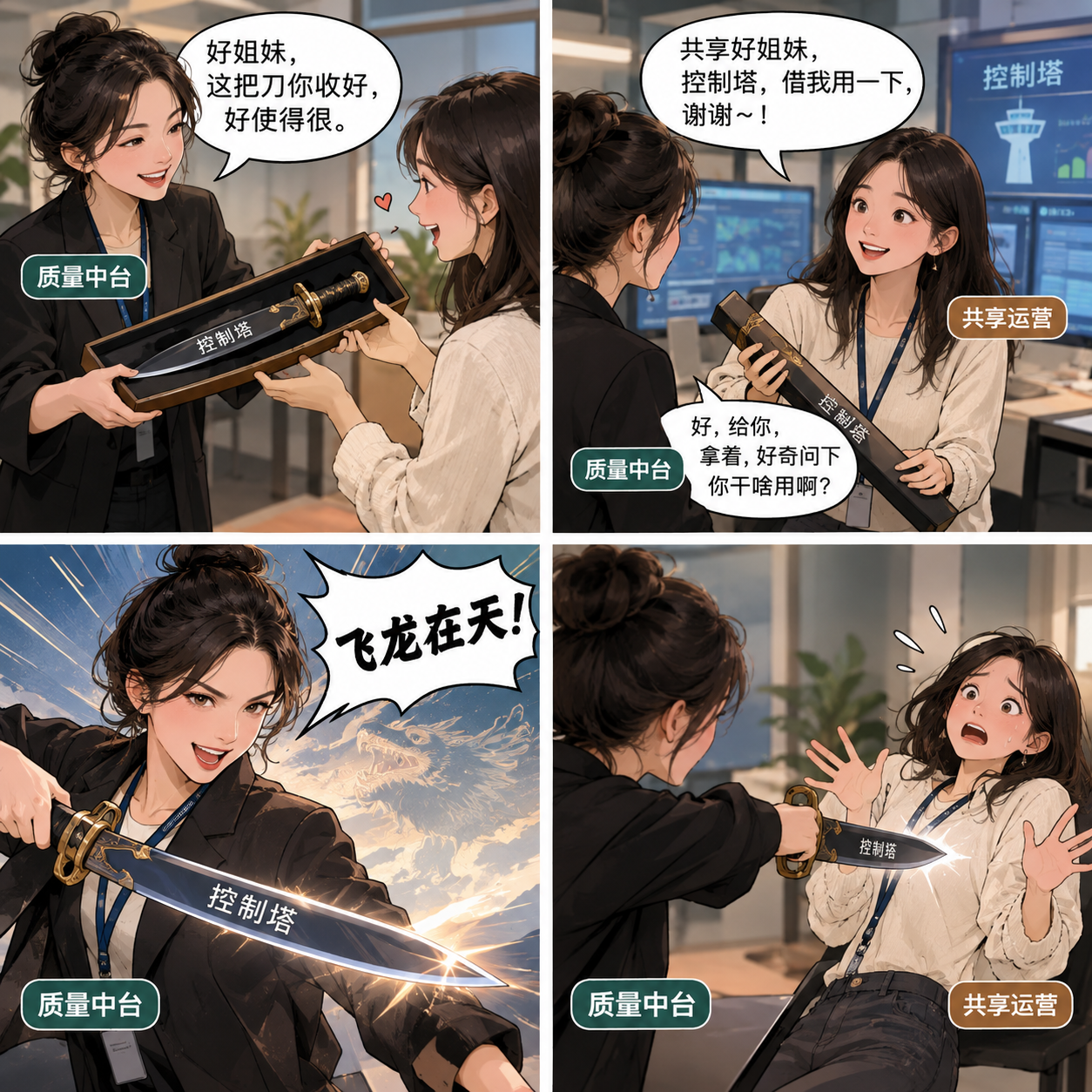
GPT Image-2 - Text to Image
质量中台做了一个工具:控制塔,用来监控异常,然后控制塔要交接给共享做owner,不再担任owner,以后中台还要用控制塔监控出来异常,然后反过来问共享什么原因,要求他们改善。看上去有点像好不容易造了一把刀,然后又要把刀送给共享,最后还要借共享的刀,来捅他们。给我做个对话漫画,两个人在交流的样子,然后大概是这样的对话内容(你可以改内容,但飞龙在天那个要保留,体现出招捅他们): 质量中台:好姐妹,这把刀你收好,好使得很。 质量中台:共享好姐妹,控制塔,借我用一下,谢谢~! 共享运营:好,给你,拿着,好奇问下你干啥用啊? 中台:飞龙在天!
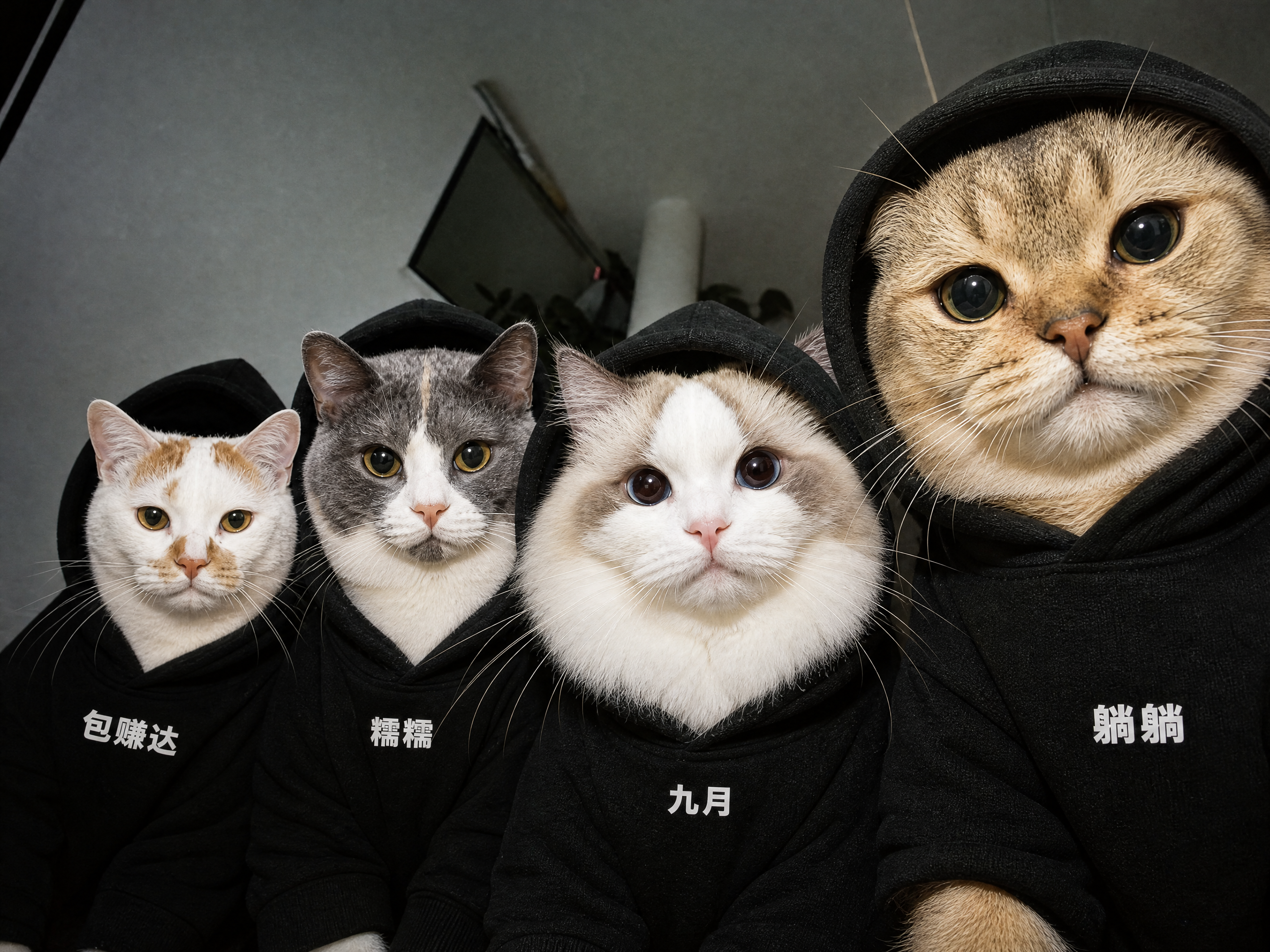
GPT Image 2 - Image To Image
保留画面构图和猫咪特征,将猫咪脑袋优化的再大再可爱一些,更改衣服的文字从左到右依次为:包赚达,糯糯,九月,躺躺,其他保持不变要求4k高清
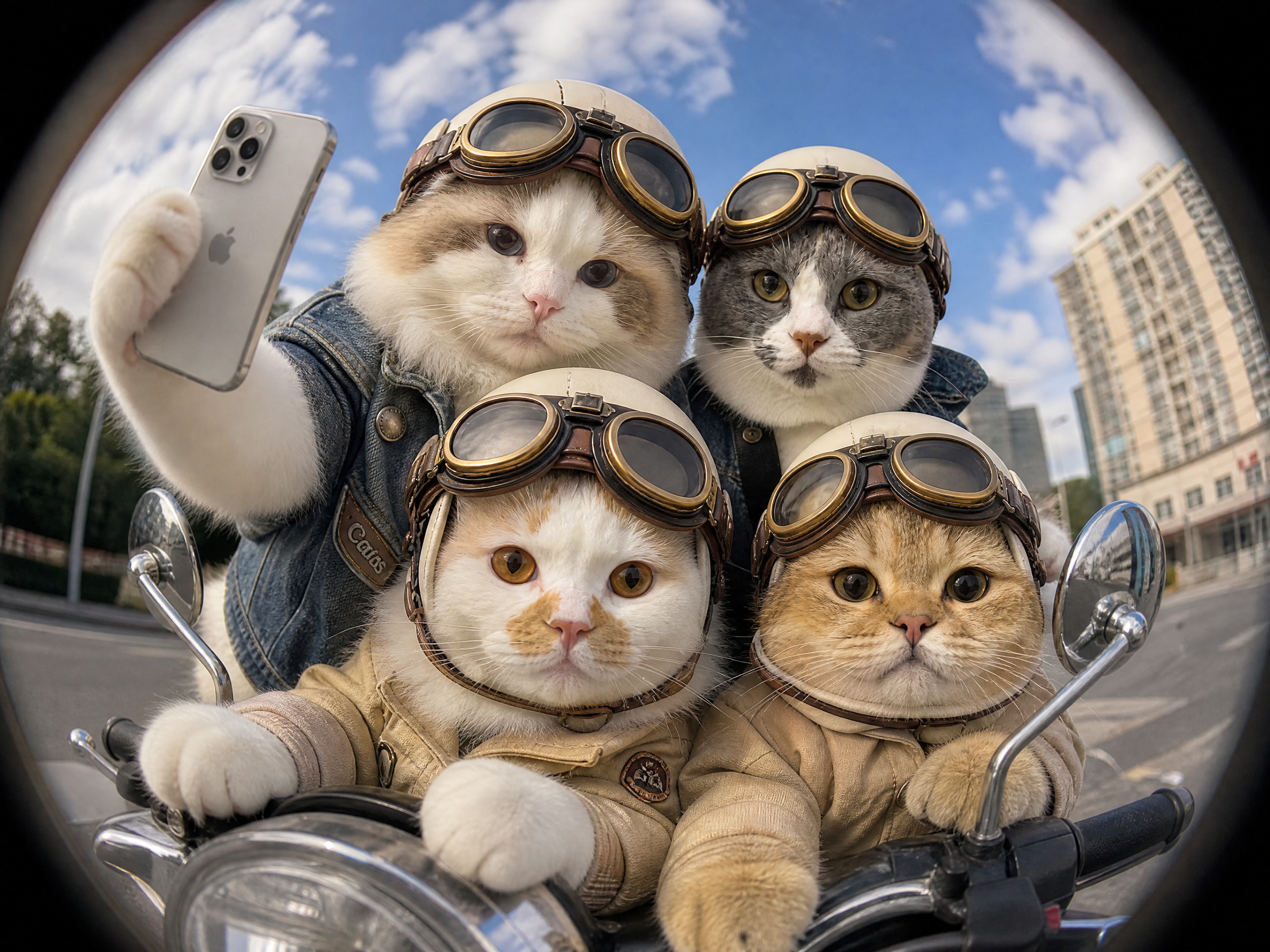
GPT Image 2 - Image To Image
去掉图片人物,保留4只小猫的脸部特征,给他们生成一张机车合照图,参考第二张图片猫咪妆造,萌萌的待着头盔帽,一只猫咪举着手机,坐在一起的鱼眼镜头感合照
GPT Image 2 - Image To Image
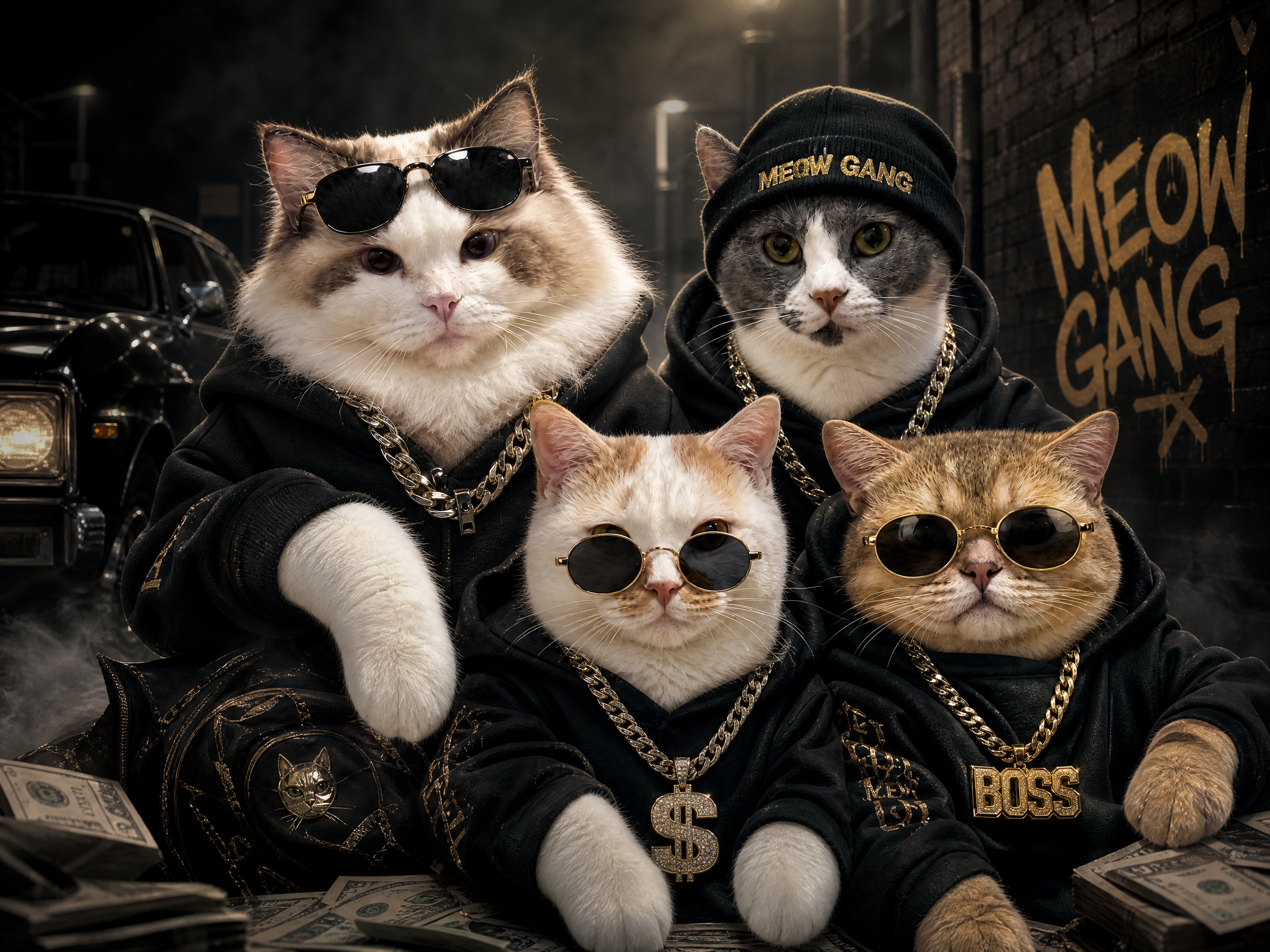
去掉图片人物,保留4只小猫的脸部特征,给他们生成一张黑帮合伙团队图,增加一些酷酷的眼镜,线帽,项链元素可以匹配画面的黑帮氛围,要求画面和谐高清有一种可爱又帅气的感觉
GPT Image 2 - Image To Image
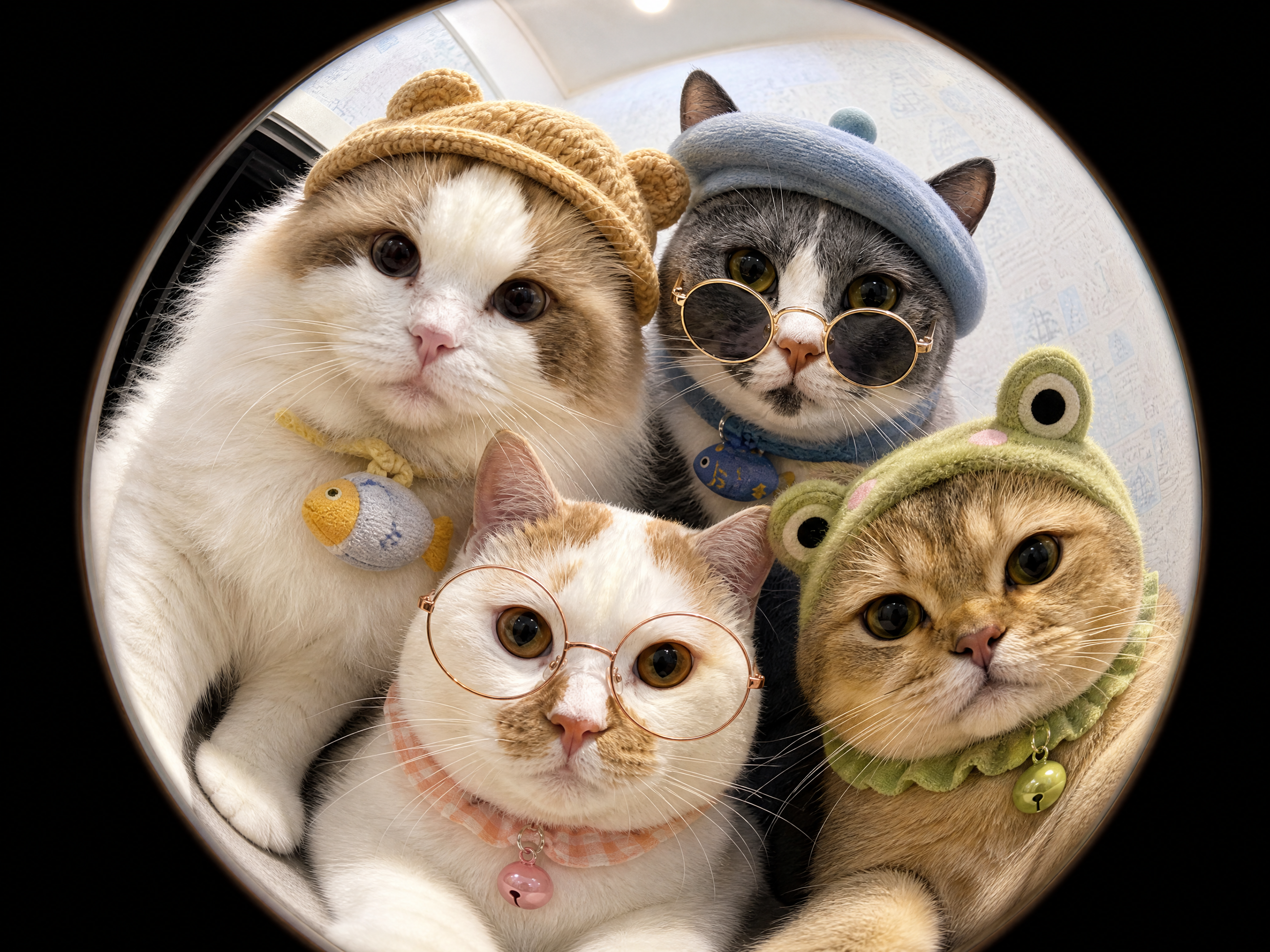
去掉图片人物,保留4只小猫的脸部特征,给他们生成一张鱼眼效果的合照,增加一些可爱的眼镜和帽子元素或者项圈,让它们显得更可以,要求画面和谐高清
Built for real image API workflows
Account-gated execution
Users sign in, submit jobs, and consume credits through the existing SdanceAI generation flow.
Input image handling
Image to Image accepts source image URLs, so teams can keep references in their own asset pipeline while generating new variations.
Cost-aware resolution
Start with 1K for fast iteration, then move to 2K or 4K when the prompt and visual direction are ready.
GPT Image 2 API questions
What is GPT Image 2 API best for?
It is best for prompt-based image generation and reference-guided image editing, including product visuals, ads, social creatives, posters, and design mockups.
What is the difference between Text to Image and Image to Image?
Text to Image starts from a prompt only. Image to Image uses one or more source image URLs plus a prompt, making it better for edits, variations, and reference-preserving workflows.
Which resolutions are available?
The current API configuration includes 1K, 2K, and 4K pricing tiers. Choose lower resolution for iteration and higher resolution for final assets.
Which aspect ratios can I use?
The available aspect ratios include auto, 1:1, 9:16, 16:9, 4:3, and 3:4. Match the ratio to your target channel before generating final assets.
How many input images can Image to Image use?
The configured image-to-image payload supports input image URL arrays, with up to 16 source images.
Where can I test it before integrating?
Use the playground on this page to test prompts, input image URLs, aspect ratio, resolution, and API payload behavior before moving into production.
Can I use GPT Image 2 API for commercial workflows?
This page is configured for production image workflows. For commercial use, review your account plan, credit balance, model availability, and applicable content policy requirements.
Does the API support callbacks?
Yes. The request schema includes an optional callback URL so your service can receive task completion notifications.
How should I manage cost?
Use 1K for prompt exploration and bulk drafts, then regenerate selected winners at 2K or 4K when you need sharper final output.
Can I edit existing product photos?
Yes. Use Image to Image with source image URLs and a prompt that describes the exact background, lighting, layout, or styling changes you need.
Turn GPT Image 2 into your image workflow
Open the generator, test a prompt or reference image, then use the API docs when you are ready to connect GPT Image 2 to production.